AI Server Hardware Requirements: A Practical Checklist for GPU, Memory, Storage, and Networking
October 20, 2026
AI Server Hardware Requirements: A Practical Checklist for GPU, Memory, Storage, and Networking
Building an AI server requires more than selecting a powerful GPU. A reliable AI server configuration must balance computing performance, system memory, storage throughput, network bandwidth, power delivery, and cooling to support specific workloads efficiently.
Whether you are deploying AI inference services, fine-tuning machine learning models, training large language models (LLMs), or building an AI data infrastructure, understanding AI server hardware requirements is essential for avoiding compatibility issues, performance bottlenecks, and unnecessary procurement costs.
This guide explains the key components of an AI server, how to select hardware for different AI workloads, and what to check before purchasing server components.
1. Start with the AI Workload Before Choosing Hardware
The right AI server hardware depends primarily on what the system needs to accomplish. Different workloads place different demands on GPU memory, system RAM, storage capacity, and network performance.
Before selecting components, define the workload, expected performance, data volume, and future expansion requirements.
AI Model Training vs. AI Inference
AI model training involves processing large datasets and repeatedly updating model parameters. It generally requires substantial accelerator computing capacity, sufficient GPU memory, high memory bandwidth, and efficient data delivery.
AI inference uses trained models to generate predictions, classifications, or responses. Its hardware requirements depend on model size, input and output length, concurrent users, latency targets, and throughput expectations.
For example, an inference server supporting a relatively small model may prioritize GPU memory capacity and cost efficiency. A distributed training environment may require multiple accelerators and high-bandwidth networking to coordinate computing tasks across servers.
Fine-Tuning, RAG, and Data Analytics
Other AI applications have different infrastructure requirements.
Model fine-tuning: Requires sufficient accelerator memory, system memory, and fast storage for datasets and checkpoints.
Retrieval-augmented generation (RAG): May require a combination of GPU resources, CPU capacity, fast storage, and memory for document processing and retrieval services.
AI data analytics: Often benefits from balanced CPU, memory, storage, and network resources for data preparation and processing.
Large-scale distributed training: Requires careful planning for accelerator interconnects, network topology, storage throughput, and workload synchronization.
Single-Server vs. Multi-Node AI Infrastructure
A single-server configuration can simplify deployment and management for smaller workloads. Larger AI projects may require multiple servers connected through a high-performance network.
When planning a multi-node environment, consider not only individual server specifications but also how data moves between nodes. A powerful GPU cannot deliver its full potential if it frequently waits for data or synchronization across a congested network.
2. Core Hardware Components of an AI Server
Understanding the function of each component helps buyers create a balanced AI server configuration rather than selecting individual parts based only on headline specifications.
GPUs and CPUs: Building the Computing Foundation
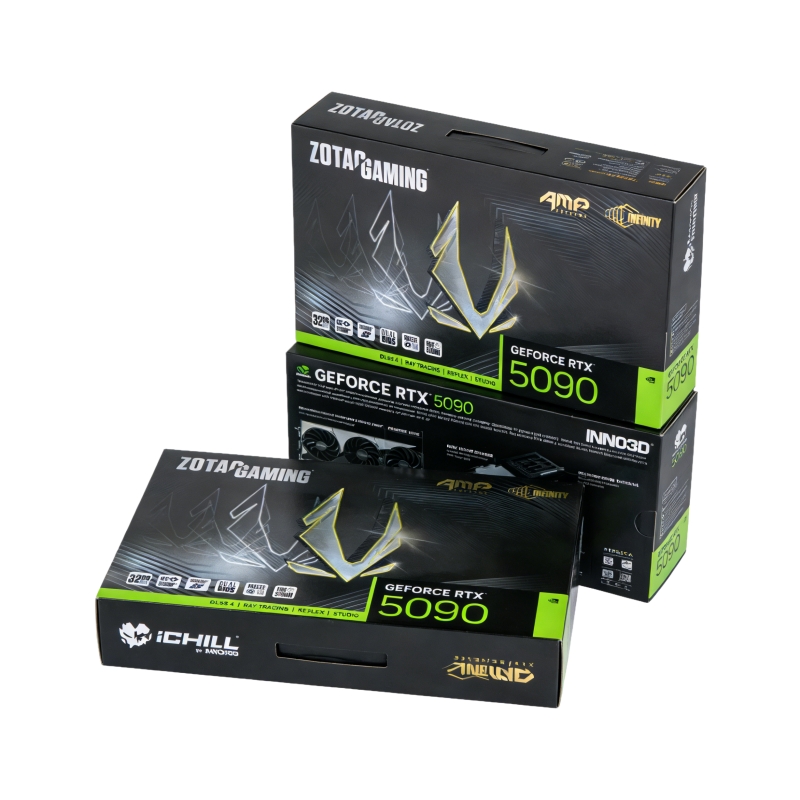
Graphics processing units (GPUs) and other AI accelerators perform much of the parallel computation required by modern AI workloads. Their suitability depends on the model, precision requirements, memory capacity, supported software, and expected performance.
When evaluating GPU server components, consider:
Accelerator memory capacity and memory bandwidth
Computing performance for the intended workload
Number of accelerators supported by the platform
PCIe connectivity and available expansion slots
Power consumption, cooling, and physical dimensions
Software, driver, and framework compatibility
The CPU remains important for data preparation, orchestration, storage operations, and other tasks that support accelerator workloads.
For multi-GPU systems, verify that the motherboard, CPU, chassis, and power supply can support the intended configuration. Physical slot availability alone does not guarantee that all GPUs will operate with the expected connectivity or performance.
Server Memory: Capacity, Bandwidth, and Reliability
System memory stores operating data, intermediate results, application processes, and information needed by CPUs and other system components.
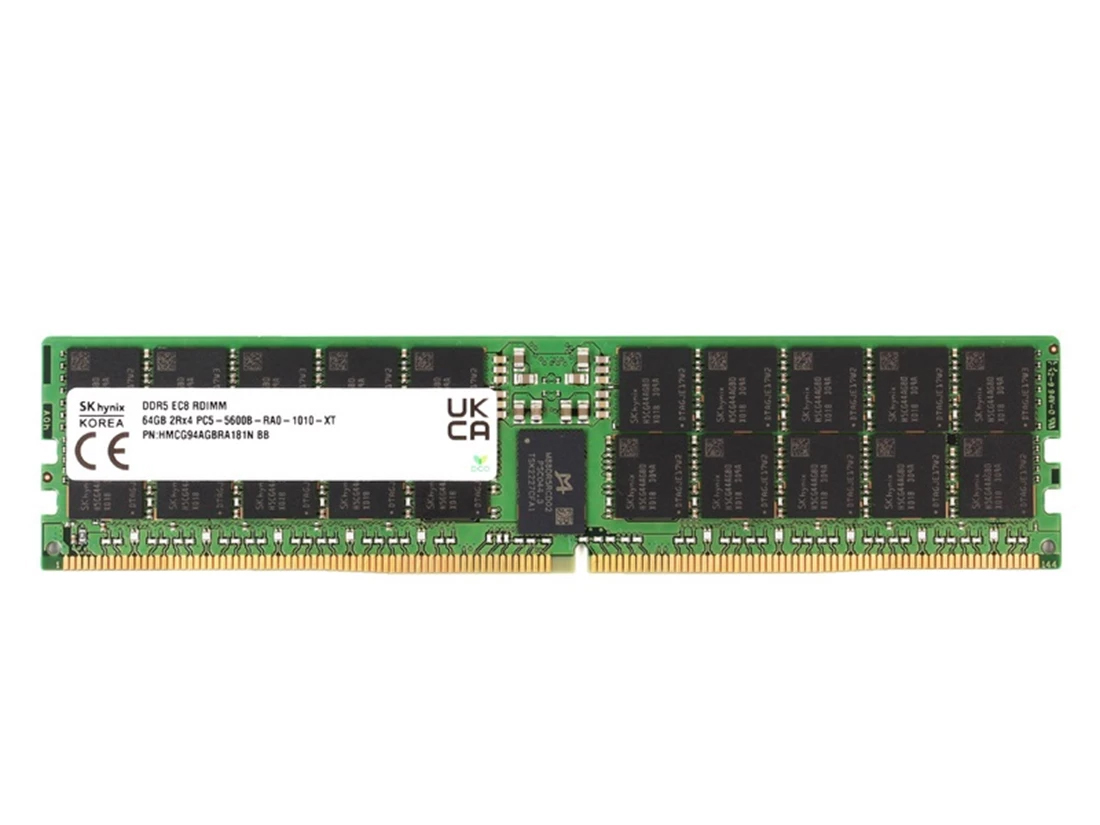
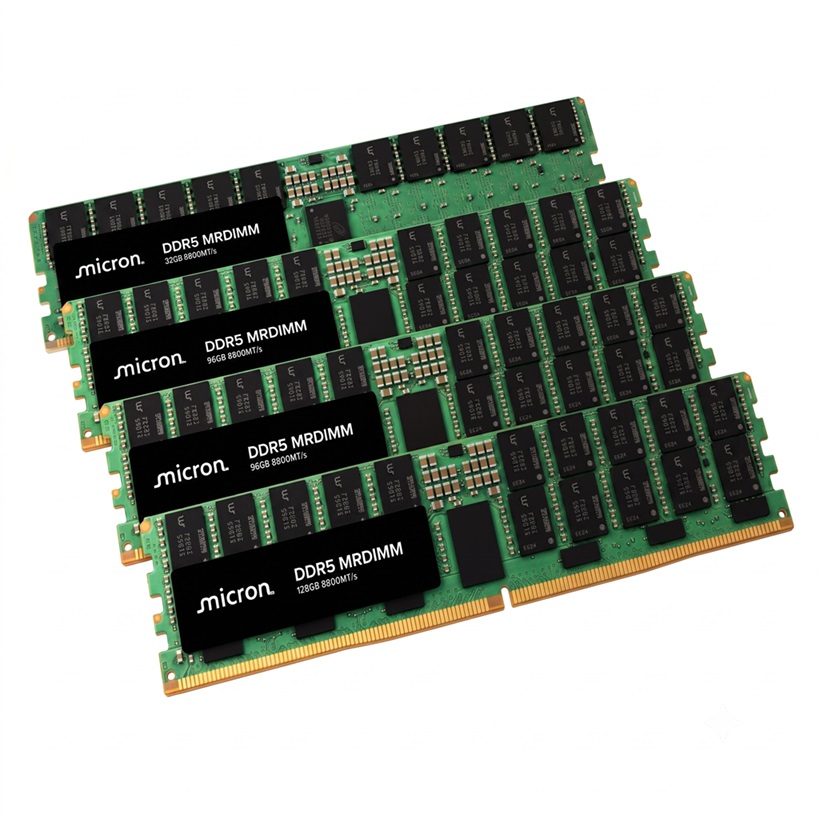
For enterprise environments, DDR5 ECC RDIMM server memory is an important option to evaluate when the server platform supports it. ECC memory can detect and correct certain classes of memory errors, while registered DIMMs are designed for compatible server memory architectures.
When selecting AI server memory, consider:
Total system RAM capacity
Memory channels and supported data rates
ECC and registered DIMM requirements
CPU and motherboard compatibility
Supported DIMM capacities and population rules
Memory requirements for data preprocessing and concurrent workloads
Do not assume that higher memory frequency alone guarantees better application performance. Actual performance depends on the complete platform, memory configuration, workload, and supported operating conditions.
For example, an AI server processing large datasets may need substantial system RAM even when GPU memory is the primary constraint during model execution.
Before ordering DDR5 ECC RDIMM, check the server manufacturer's compatibility list and the CPU platform's supported memory configurations.
Before ordering server memory, buyers should verify module architecture, supported data rates, capacity, and platform compatibility. Our guide to choosing the right DDR5 ECC server memory module explains the key factors in greater detail.
NVMe SSDs: Fast Storage for Active AI Workloads
Storage performance can directly affect how quickly an AI server loads models, accesses datasets, writes checkpoints, and processes intermediate files.
NVMe SSDs are commonly used for active AI workloads because they provide low-latency access and high throughput when implemented on a compatible platform.
When choosing enterprise SSDs for AI servers, evaluate:
Capacity and available drive bays
NVMe protocol and supported interface
Sequential and random read/write performance
Endurance ratings and expected write workload
Power-loss protection and other enterprise features, where required
Thermal management and sustained performance
Compatibility with the server, backplane, and storage software
A fast SSD can improve data delivery, but storage requirements vary. A workload that repeatedly accesses a relatively small model may have different storage needs from a pipeline that processes large datasets continuously.
It is also important to distinguish interface specifications from real application performance. Actual results depend on queue depth, workload patterns, drive endurance, thermal conditions, and system configuration.
Understanding how flash storage works can help buyers evaluate performance, endurance, and interface requirements. Learn more about how SSDs work and what to consider when choosing one.
Enterprise HDDs: High-Capacity Storage for AI Data
Enterprise HDDs remain useful for large datasets, historical records, backups, and other storage workloads where capacity and cost per terabyte are important.
Compared with SSDs, HDDs generally provide lower random-access performance. However, they can be appropriate for capacity-oriented storage tiers when the application does not require SSD-level latency.
When selecting enterprise hard drives, consider:
Required usable storage capacity
Drive workload rating and expected operating conditions
Interface and server compatibility
Redundancy and data protection requirements
Backup and recovery policies
Power, cooling, and storage density
A tiered storage architecture can combine NVMe SSDs for frequently accessed data with high-capacity HDDs for less frequently accessed information. The appropriate balance depends on access patterns, availability requirements, and budget.
For capacity-oriented storage, compare drive capacity, interface, workload rating, and operating requirements before selecting a model. See our guide to enterprise hard drives for scalable storage for additional selection considerations.
HBA and RAID Controllers: Managing Storage Connectivity
A host bus adapter (HBA) and a RAID controller serve different purposes, so the right choice depends on the storage architecture.
An HBA typically provides connectivity between the host system and compatible storage devices. A RAID controller can provide hardware-assisted RAID functionality when the controller and configuration support it.
Before selecting a controller, verify:
Supported drive interfaces and protocols
Number of supported drives and available ports
Compatibility with the server backplane
Required RAID levels and data protection features
Operating system and driver support
Integration with the intended storage architecture
For software-defined storage, direct drive access may be preferable in some designs. Other deployments may require controller-based RAID functionality.
RAID should not be treated as a replacement for backups. Data protection requires a broader strategy that considers redundancy, recovery procedures, and the consequences of hardware or software failure.
The choice between direct drive access and hardware-managed RAID depends on the storage architecture and data protection requirements. Read our comparison of HBA vs. RAID controllers for software-defined storage before finalizing your configuration.
NICs, Switches, and Optical Transceivers: Connecting AI Infrastructure
Network performance becomes increasingly important when AI workloads move large datasets between storage systems, servers, and computing nodes.
The appropriate AI data center networking configuration depends on traffic volume, node count, topology, protocol support, latency requirements, and future scalability.
Key components include:
Network interface cards (NICs): Connect servers to the network.
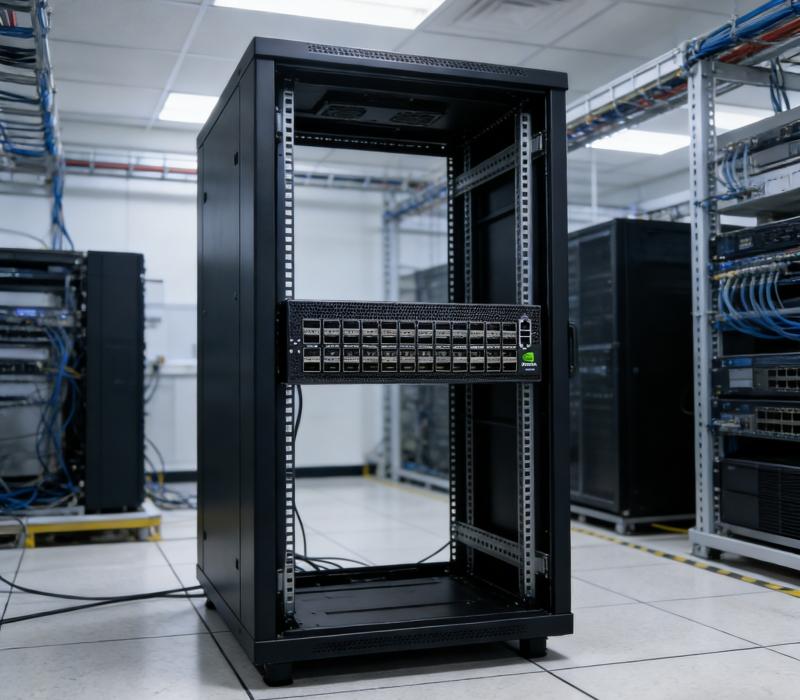
Ethernet switches: Provide connectivity between servers, storage systems, and other network devices.
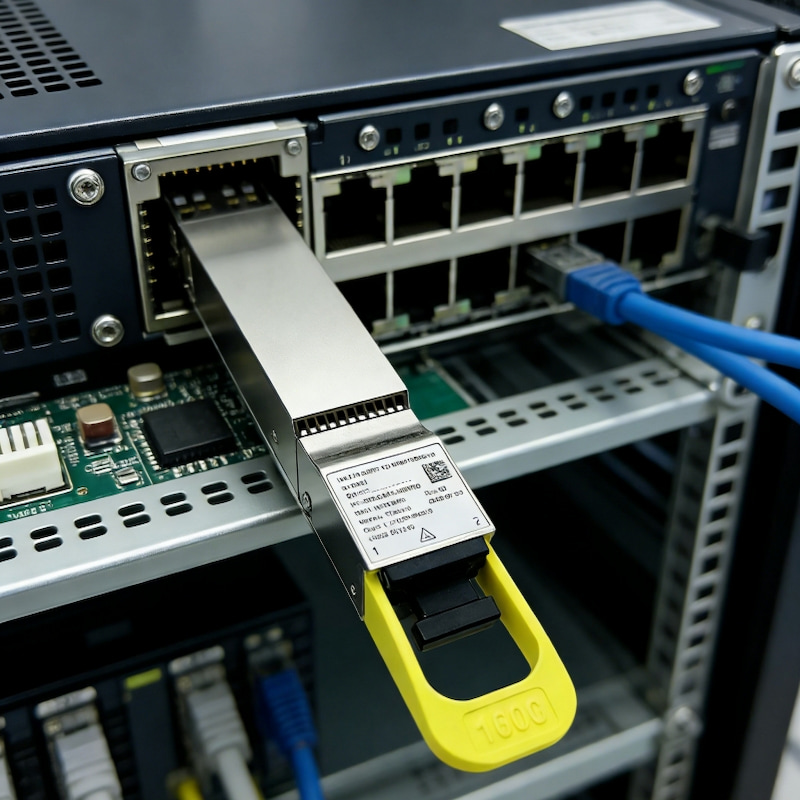
Optical transceivers: Convert electrical and optical signals for compatible network links.
Fiber optic cables: Carry optical signals between supported interfaces.
For larger deployments, 100GbE, 200GbE, 400GbE, or 800GbE may be considered depending on workload demands and infrastructure design. These speeds are not universal requirements for every AI server.
When choosing high-speed optical transceivers, verify the switch and NIC port specifications, supported transmission rate, reach, fiber type, connector, wavelength, and interoperability requirements.
A higher link speed does not automatically improve every application. The network must be designed around actual traffic patterns, and the server, switch, transceiver, and cabling must work together as a compatible system.
Power Delivery and Cooling: Supporting Sustained Performance
High-performance accelerators, CPUs, memory, and storage devices can create substantial power and thermal demands.
When planning AI server power and cooling, evaluate:
Total system power requirements
Power supply capacity and redundancy
Power distribution and circuit capacity
Chassis airflow and component cooling requirements
Rack density and facility cooling capabilities
Operating temperature limits
Sustained workload behavior
Do not size a power supply by simply adding component power ratings without considering system-level requirements and manufacturer recommendations.
Likewise, a configuration that fits physically into a server chassis may not be thermally suitable for sustained operation. Power, airflow, and cooling must be validated for the complete configuration.
3. AI Server Configuration by Workload
There is no single hardware specification that fits every AI project. The following table summarizes typical priorities for different deployment scenarios.
AI workload
Main hardware priorities
Important considerations
AI inference
GPU or accelerator, GPU memory, system RAM, model storage
Model size, concurrency, latency, throughput
Model fine-tuning
GPU memory, computing capacity, system RAM, NVMe SSD
Dataset size, checkpointing, training method
Distributed AI training
Multiple accelerators, high-bandwidth networking, fast storage
Interconnect topology, synchronization, scalability
RAG applications
CPU, GPU where needed, RAM, SSD storage, networking
Document volume, retrieval architecture, response latency
AI data processing
CPU, system memory, storage throughput
Data transformation, batch size, parallel processing
AI datasets and archives
Enterprise SSDs and HDDs, storage controllers where appropriate
Capacity, access frequency, redundancy, retention
These are planning guidelines rather than fixed bills of materials. Actual requirements vary with the model architecture, framework, software stack, data volume, performance target, and deployment environment.
For example, an AI inference service with strict latency requirements may prioritize accelerator memory and low-latency data access. A distributed training cluster may place greater emphasis on accelerator interconnects and network throughput.
A useful starting point is to document the expected workload and performance objectives before comparing individual products.
4. How to Balance GPU, Memory, Storage, and Networking
Selecting suitable components is only part of the process. A well-designed AI server hardware configuration must also prevent bottlenecks between those components.
Identify Computing and Memory Bottlenecks
Start by evaluating whether the intended model and workload fit within the available accelerator memory and whether system RAM is sufficient for preprocessing and supporting services.
If the model or workload exceeds available resources, the solution may involve changing the hardware configuration, optimizing the model, adjusting the workload, or distributing processing across multiple devices.
Simply purchasing a more powerful GPU does not resolve every memory or data-management limitation.
Match Storage Performance to Data Access Patterns
Determine whether the workload primarily requires high sequential throughput, frequent random reads, sustained writes, or large-capacity storage.
For active datasets and frequently accessed model files, NVMe SSD storage may be appropriate. For large archives and less frequently accessed datasets, enterprise HDD storage may provide a more economical capacity tier.
Measure the requirements of the application rather than assuming every AI server needs the same storage configuration.
Determine When High-Speed Networking Is Necessary
Networking requirements depend on how much data moves between servers and how often distributed workloads exchange information.
For multi-node training, network throughput and latency can affect overall efficiency. For a standalone inference server, a simpler network configuration may be sufficient.
When evaluating 400GbE and 800GbE networking, consider expected traffic, switch capacity, endpoint support, transceiver compatibility, and the cost of upgrading the wider infrastructure.
The objective is to remove genuine bottlenecks without purchasing network capacity that the workload cannot effectively use.
Plan for Scalability and Total Cost of Ownership
A cost-effective AI server configuration balances initial purchase cost with operating expenses and future expansion.
Consider the total cost of ownership (TCO), including:
Hardware acquisition and replacement
Electricity and cooling
Maintenance and warranty
Storage growth and data protection
Network upgrades
Software and operational requirements
Deployment and future migration costs
A lower-cost component may be a poor choice if it creates compatibility problems or requires an expensive redesign later. Conversely, premium specifications may not be justified when the workload cannot benefit from them.
5. AI Server Hardware Compatibility Checklist
Before purchasing AI server components, verify compatibility across the entire system. The following checklist can help procurement and engineering teams reduce avoidable configuration risks.
GPU and Platform Compatibility
Confirm GPU support for the server model and motherboard.
Verify physical dimensions, slot spacing, and available PCIe resources.
Check power connectors, power limits, and cooling requirements.
Confirm support for the intended number of accelerators.
Validate relevant firmware, drivers, and software requirements.
Server Memory Compatibility
Confirm whether the platform requires ECC RDIMM, another supported memory type, or a specific DIMM configuration.
Check the CPU's supported memory capacity and data rates.
Follow the manufacturer's memory population rules.
Verify module part numbers against the compatibility list.
Confirm that mixing capacities or module specifications is supported, if applicable.
Storage and Controller Compatibility
Confirm drive interface, protocol, form factor, and capacity support.
Check the server backplane and available drive bays.
Verify HBA or RAID controller compatibility where applicable.
Review operating system, firmware, and driver requirements.
Define redundancy, backup, and recovery requirements.
Networking and Optical Compatibility
Confirm supported NIC and switch port speeds.
Check transceiver form factor and interface specifications.
Verify fiber type, connector, wavelength, and transmission distance.
Confirm compatibility requirements for the intended switch and NIC.
Evaluate network topology and capacity for future expansion.
Power, Cooling, and Deployment
Validate total system power demand and power supply capacity.
Check chassis airflow and thermal limits.
Confirm rack space, power distribution, and facility cooling.
Review warranty, serviceability, and replacement procedures.
Test the complete configuration before large-scale deployment.
A component's individual specifications do not establish full-system compatibility. When in doubt, consult the server manufacturer's documentation and obtain engineering confirmation before ordering.
6. How to Build a Practical AI Server Procurement Plan
A structured procurement process helps ensure that the selected hardware supports real operating requirements.
Step 1: Define Performance and Capacity Requirements
Document the AI workload, model size, dataset volume, expected throughput, latency targets, concurrency, and anticipated growth.
These requirements provide the foundation for evaluating CPU, GPU, memory, storage, and networking needs.
Step 2: Confirm Exact Part Numbers
Use exact manufacturer part numbers when comparing server memory modules, SSDs, HDDs, controllers, NICs, switches, and optical transceivers.
Product names and headline specifications alone may not identify important differences in interface, firmware, form factor, or compatibility.
Step 3: Validate the Complete Configuration
Check the complete bill of materials against the server platform, operating environment, and intended deployment.
For larger projects, validate a sample configuration before committing to volume purchases. This can help identify interoperability, performance, thermal, or deployment issues before they affect the wider project.
Step 4: Evaluate Supply, Warranty, and Lifecycle Requirements
For B2B hardware procurement, consider product availability, lead times, warranty terms, replacement options, and lifecycle status.
For multi-site or phased deployments, consistency of part numbers and supply continuity may be particularly important.
Step 5: Compare Total Cost and Future Expansion
Compare configurations based on their ability to meet performance requirements, not simply their initial component prices.
A useful evaluation should account for operating costs, upgrade paths, support requirements, and the potential expense of replacing incompatible components.
7. Common Mistakes When Planning AI Server Hardware
Several recurring mistakes can undermine an otherwise promising infrastructure design.
Choosing GPUs before defining the workload: Accelerator selection should follow model requirements, performance objectives, and deployment constraints.
Underestimating system memory: GPU memory and system RAM serve different functions. Sufficient capacity is needed for the complete software and data-processing environment.
Ignoring storage bottlenecks: Slow data delivery or unsuitable storage architecture can reduce application efficiency even when computing resources are available.
Overlooking network compatibility: NICs, switches, optical transceivers, and cables must support the intended interfaces, speeds, and transmission conditions.
Mixing incompatible components: Similar-looking memory modules, drives, and network products may have different compatibility requirements.
Neglecting power and cooling: Sustained workloads can expose thermal and power limitations that are not apparent from a component list alone.
Treating redundancy as a complete backup strategy: RAID and other redundancy mechanisms do not eliminate the need for appropriate backup and recovery procedures.
Buying without validating the configuration: Full-system compatibility and workload validation are more reliable than assumptions based on individual product specifications.
Avoiding these mistakes requires coordination between engineering, procurement, IT operations, and hardware suppliers.
8. Frequently Asked Questions About AI Server Hardware
What hardware is needed to build an AI server?
A typical AI server includes a CPU, system memory, one or more GPUs or other AI accelerators where required, storage devices, networking interfaces, a compatible motherboard and chassis, power supplies, and cooling. The exact configuration depends on the model, workload, performance targets, and deployment scale.
How much RAM does an AI server need?
The required AI server RAM capacity depends on the operating system, model-serving software, data preprocessing, concurrent applications, and workload size. GPU memory and system RAM are separate resources, so both must be evaluated. Check platform limits and application requirements before deciding on capacity.
Is NVMe SSD necessary for AI servers?
NVMe SSDs are useful when workloads benefit from low-latency storage and high throughput, such as loading models, accessing active datasets, and writing checkpoints. However, not every AI server requires NVMe storage for every data tier. Storage selection should reflect access patterns, capacity needs, and budget.
Do AI servers need 400G or 800G networking?
No. 400GbE and 800GbE networking may be appropriate for some high-bandwidth AI clusters, but they are not universal requirements. Network speed should be selected according to traffic patterns, node count, application requirements, endpoint compatibility, and the wider network architecture.
How do I check AI server hardware compatibility?
Start with the server manufacturer's documentation and supported component lists. Confirm exact part numbers, memory specifications, drive interfaces, PCIe requirements, NIC and transceiver compatibility, power limits, and cooling constraints. Validate the complete configuration before purchasing in volume.
Should I choose enterprise SSDs or HDDs for AI storage?
Choose enterprise SSDs when low latency, high IOPS, or fast data access is important. Consider enterprise HDDs for large-capacity datasets, archives, and other workloads that can tolerate higher access latency. Many environments benefit from a tiered design that combines both storage types.
What should I consider when purchasing AI server components in bulk?
Evaluate exact part numbers, compatibility, quantity, availability, lead times, warranty terms, lifecycle status, and consistency across the order. For complex projects, request a reviewed bill of materials and validate a sample configuration before proceeding with volume procurement.
Conclusion: Build an AI Server Around the Workload
Successful AI server hardware planning starts with the workload, not an individual product specification. GPU and CPU resources, server memory, storage, networking, power delivery, and cooling must work together to meet the project's performance, reliability, and budget requirements.
A structured AI server hardware checklist helps teams identify compatibility risks, avoid unnecessary spending, and plan for future growth. By validating the complete configuration before purchasing, businesses can make more informed decisions about their AI infrastructure.
For organizations sourcing enterprise computing and networking components, X REACH LIMITED can be a starting point for exploring relevant hardware categories and product options. Prepare your server model, intended workload, required specifications, estimated quantities, and delivery requirements before requesting a quotation.
Need help sourcing server hardware? Contact the X REACH LIMITED team to discuss your component requirements and identify suitable products for further compatibility review and procurement planning.